How It Operates
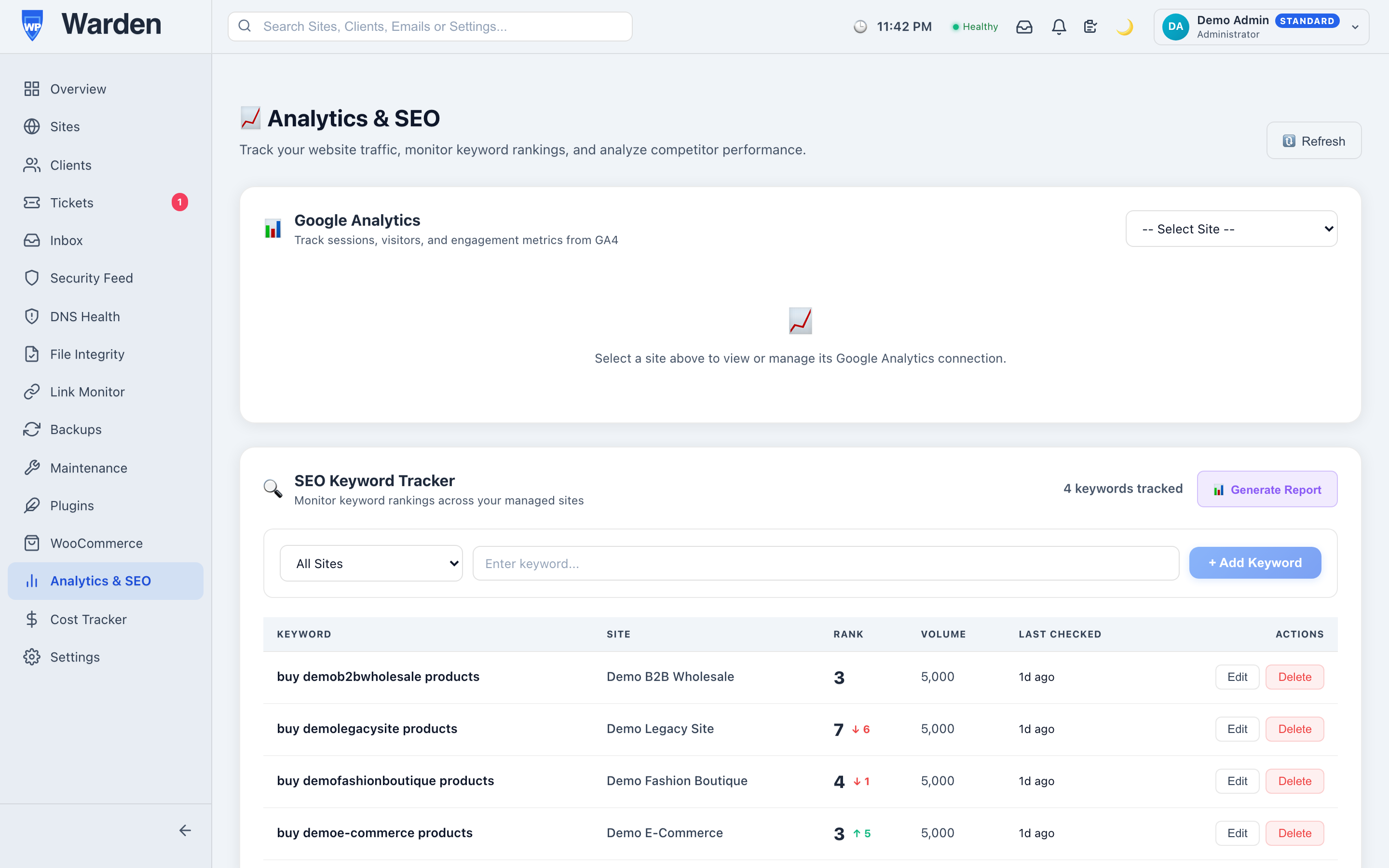
Pulls performance stats (views, traffic, bounce rate) via the Google Analytics API and embeds them in site dashboards.Data Access & Your Privacy
WP Warden connects to your Google account through Google’s own sign-in (OAuth) to power two independent, optional integrations: Google Analytics (traffic, sessions, bounce rate) and Google Search Console (keyword rankings, see SEO Keyword Tracking). Each site owner approves the connection themselves, per site, before any data is requested.
Access is strictly read-only for both integrations —
WP Warden requests only the analytics.readonly and webmasters.readonly
scopes, and never modifies, deletes, or changes any setting in your Google Analytics or Search Console
account.
You can disconnect either integration at any time from Settings → Integrations, which immediately revokes WP Warden’s access to your Google account.
WordPress Management Benefits
- Improved Site Performance: Spot sudden traffic drops that indicate technical site issues.
- Reduced Administrative Overhead: View key visitor trends without opening Google Analytics.
- Streamlined Team Collaboration: Report traffic and conversion trends to clients in scheduled digests.
High-Impact Use Cases
- High-Value Client Audits: Monitor traffic trends to verify site performance and marketing campaigns.
- Post-Launch Performance Checks: Ensure traffic tracking works correctly after launching a new design.
Competitive Advantages & Differentiators
- Aggregate Fleet View: Monitor traffic trends across all connected websites in one place.
- Automatic Report Embedding: Embeds key traffic widgets directly into monthly client PDFs.
- Engagement Rate & Conversions: Goes beyond raw sessions to show how engaged visitors actually are and how many convert, straight from GA4.
- Device Breakdown: See the mobile/desktop/tablet split of every site’s traffic without opening Google Analytics.
- Core Web Vitals Trend & Fix Suggestions: A 30-day performance-score chart plus Google PageSpeed’s own actionable opportunities (unused JS, render-blocking resources, oversized images) — not just a pass/fail score.