How It Operates
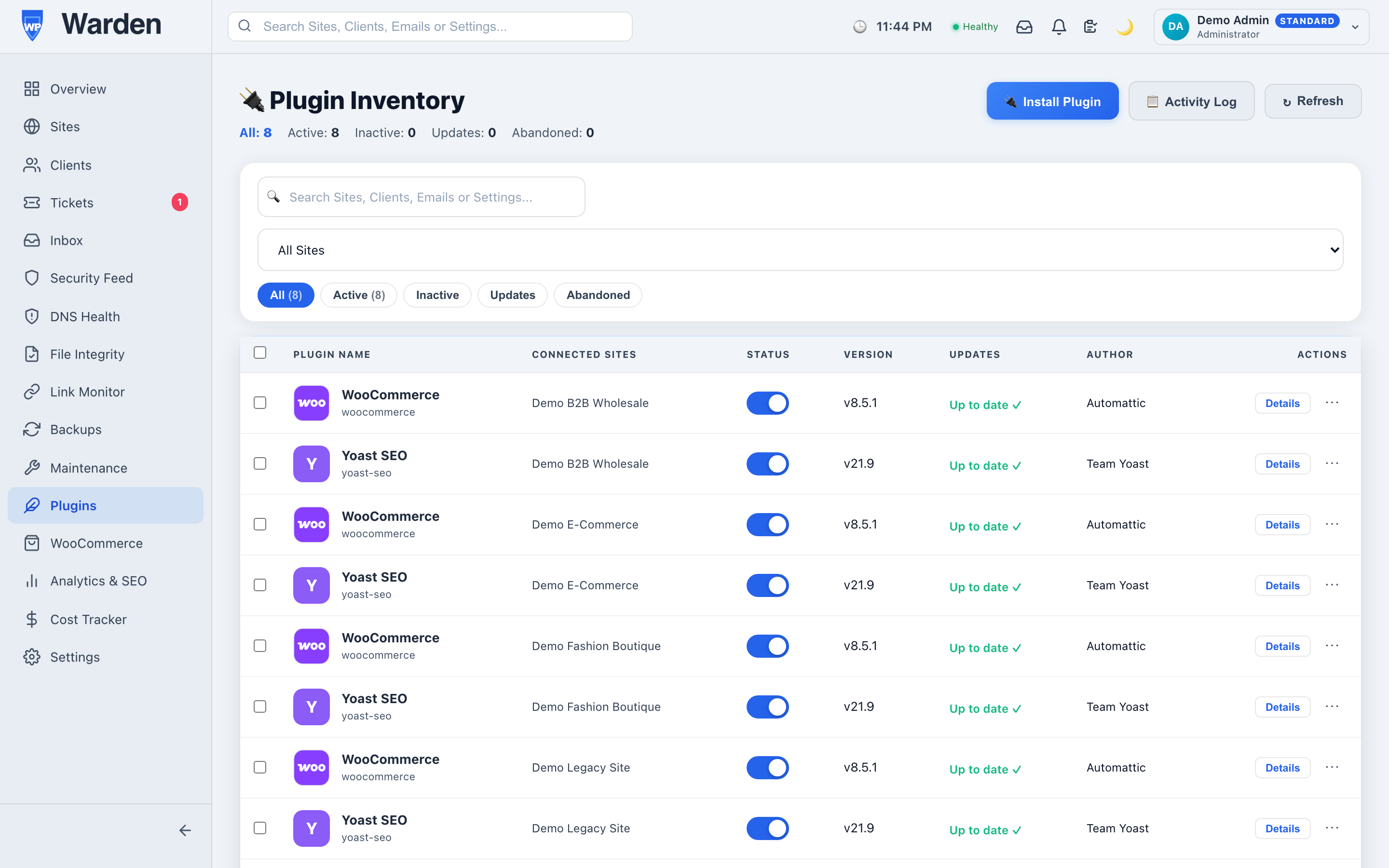
Runs in the background on client sites, sending system heartbeats every 5 minutes and syncing plugin inventory logs back to the dashboard daily.WordPress Management Benefits
- Improved Site Reliability: Pings system heartbeats every 5 minutes to verify uptime.
- Improved Site Security: Reports plugin and theme inventory data back to WP Warden, where it’s matched against known CVEs for vulnerability detection.
- Reduced Administrative Overhead: Process remote commands and updates without manual login.
High-Impact Use Cases
- Fleet Communication: Bridge separate sites into a single monitoring dashboard.
- Error Log Tracking: Send PHP errors straight to the dashboard to find broken code.
Competitive Advantages & Differentiators
- Low Footprint Code: Runs fast in the background to ensure no load spikes.
- Secured API Authorization: Uses strong API keys to secure site dashboard links.
Getting the Plugin
This plugin isn’t listed on the WordPress.org directory. It’s distributed directly through your WP Warden account, and only works once connected to it.
- Create a free WP Warden account and add the site you want to manage.
- From your dashboard, go to Sites and click Download Agent to get the plugin zip.
- In your site’s wp-admin, go to Plugins → Add New → Upload Plugin, select the zip, and activate it.
- Go to Settings → WP Warden and paste in the Site API Key shown on your dashboard for that site.
Full walkthrough with screenshots: Getting Started guide.
—