Managing WordPress Clients in Their Own Language: Real Multilingual and RTL Support
A lot of software claims to support Arabic and delivers exactly one thing: the English words translated, sitting inside a layout that still reads left to right. It looks wrong the moment an Arabic-speaking client opens it, because Arabic isn’t just different vocabulary in the same shape — the whole reading direction, and everything built around it, has to flip.
Table of contents
- Translated text is not the same as real RTL support
- How switching language actually works
- Why this genuinely changes client engagement
- FAQ
- The small RTL details that actually reveal whether it’s real
Translated text is not the same as real RTL support
Swapping English words for Arabic ones is the easy half of localization. The hard half is everything that comes with reading right to left — where the navigation sits, which direction a progress indicator moves, how a data table’s columns are ordered. Get only the words right and the result feels subtly broken to a native reader in a way that’s hard to articulate but immediately obvious the moment they see it.
How switching language actually works
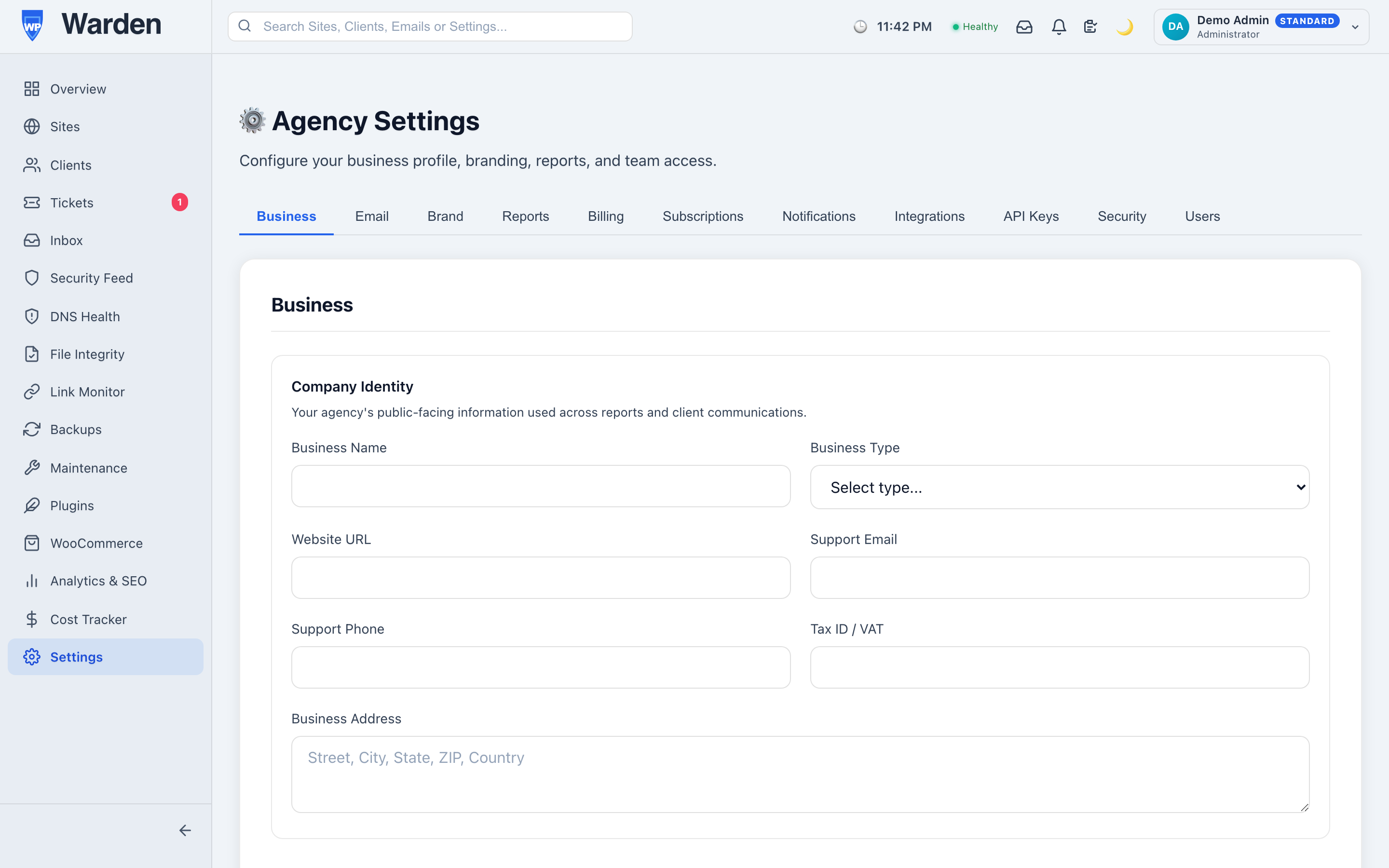
WP Warden’s dashboard and client portal are fully translated into four languages — English, Arabic, French, and German — with instant switching between them and no page reload. Choosing Arabic doesn’t just translate the words; it triggers a real right-to-left layout across the entire interface, part of the platform’s broader localization system, so the whole experience reads correctly rather than looking like an English interface wearing Arabic text.
Why this genuinely changes client engagement
A client who’s more comfortable in their own language doesn’t just tolerate a portal built for them — they actually use it. Reports get opened rather than filed away unread, a support ticket gets described clearly instead of translated awkwardly through a client’s second language, and the whole relationship feels less like an English-only tool the client is forced to work around. None of that is a nice-to-have if a meaningful portion of your client base is more comfortable in Arabic, French, or German than English.
The small RTL details that actually reveal whether it’s real
The easiest way to tell fake RTL support from real RTL support is to look at the small things: does a progress bar fill from the correct side, does a data table’s columns actually reorder, does a chevron icon indicating “next” point the correct direction for the reading flow. Any single one of these being wrong is a small bug. All of them being wrong at once is usually a sign the “support” is translated text sitting on an unchanged layout — which is precisely the gap a genuine RTL implementation has to close everywhere, not just in the parts that are easy to notice.
FAQ
Does switching to Arabic just translate text?
No — it actually applies a right-to-left layout across the interface, a genuine structural change, not cosmetic text substitution over an unchanged layout.
Which languages are currently supported?
English, Arabic, French, and German, across both the agency dashboard and the client portal.
Start a free 14-day trial — no credit card required.