How It Operates
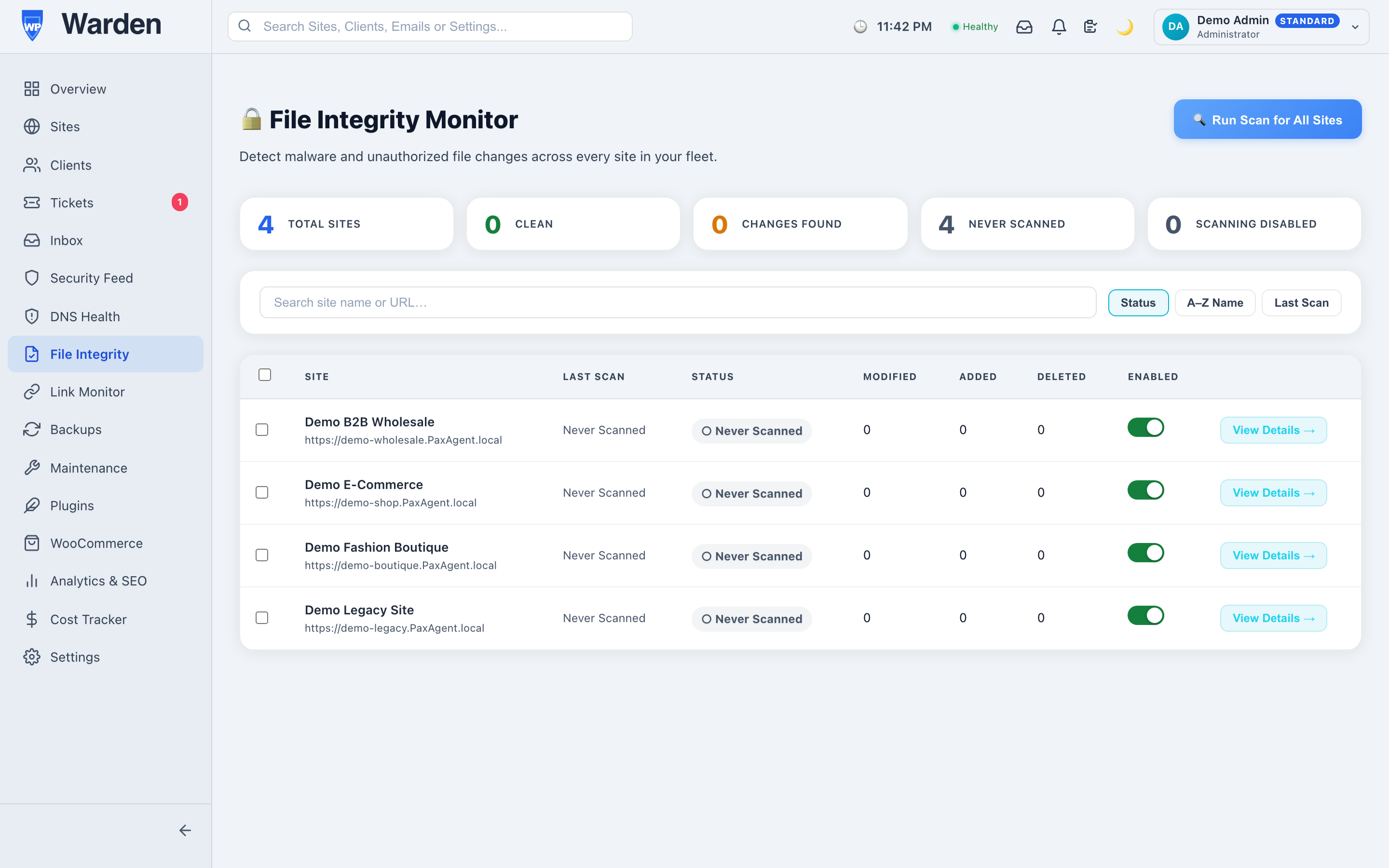
Every core, plugin, and theme file is SHA-256 hashed on each scan and diffed against the last
known-good baseline, with core files additionally cross-checked against the official WordPress.org
checksum manifest. In parallel, and completely independent of the hash diff, file content is scanned
for known malicious-code patterns (obfuscated eval()/base64_decode() chains, webshell request
patterns) so a webshell is caught even if it predates monitoring.
WordPress Management
Benefits
- Compromise Detection From Day
One: Core files are checked against the official WordPress.org manifest, catching
tampering even on the very first scan.
- Catches What Hash Diffing
Can’t: Content-pattern scanning flags malicious code that was already present before
monitoring started.
- Hardened Uploads Directory, Actively Verified: A
server rule denies execution of PHP and other script extensions in wp-content/uploads — the most
common place a dropped webshell hides. Rather than just writing the rule and assuming it works, WP Warden
confirms it daily with a real self-test request, so you see whether it’s actually enforced on your specific
host, not just present in a config file.
- Execution Hardening — Directories & Plugins: The same verified deny-execution technique, extended to wp-content/cache, wp-content/upgrade, direct access to wp-includes, and — as an opt-in — an individual plugin’s own folder. It stops a planted file from ever running as PHP; it doesn’t lock file permissions, and it can’t protect a file WordPress already loads normally (that stays the detection layer’s job). Plugin-level hardening runs a pre-flight risk scan first, then a trial period that auto-reverts if you don’t confirm it or if site health drops.
High-Impact Use Cases
- Post-Update Peace of Mind:
Confirm no core or plugin files were tampered with after every update cycle.
- Fleet-Wide Brute-Force
Correlation: If the same IP targets multiple sites in your fleet within an hour, WP
Warden raises one alert instead of one per site.
Competitive Advantages &
Differentiators
- Dual-Layer Detection: Hash
diffing and content-pattern scanning run independently, so a compromise is caught whether it shows
up as a file change or as code that was never technically a change at all.
- Verified-Clean Backups: A
backup taken right after a fully clean scan is marked Verified Clean — the safest restore point to
roll back to after a compromise.
—