Reducing WordPress Alert Fatigue: Correlated Notifications Instead of Alert Spam
A single brute-force attempt sweeps across twenty client sites in the space of an hour. Without correlation, that’s twenty separate alerts landing in an inbox within minutes of each other — and the very real risk is that the twenty-first email, the genuinely different one about an actual malware finding, gets skimmed past along with the rest, because by then the inbox has already trained you to stop reading closely.
Table of contents
- How alert fatigue actually sets in
- How correlation and batching work
- Why correlated doesn’t mean delayed
- FAQ
- The same incident, with and without correlation
- What happens when a real alert gets missed
How alert fatigue actually sets in
Alert fatigue isn’t a sudden event — it’s a gradual erosion of trust in the alerting system itself. The first few duplicate alerts for the same incident are annoying. By the fiftieth, most people have started skimming subject lines instead of reading content, which means the one alert that actually needed a careful read gets the same half-second of attention as everything else. The system technically still works; the human on the other end of it has stopped being able to use it properly.
How correlation and batching work
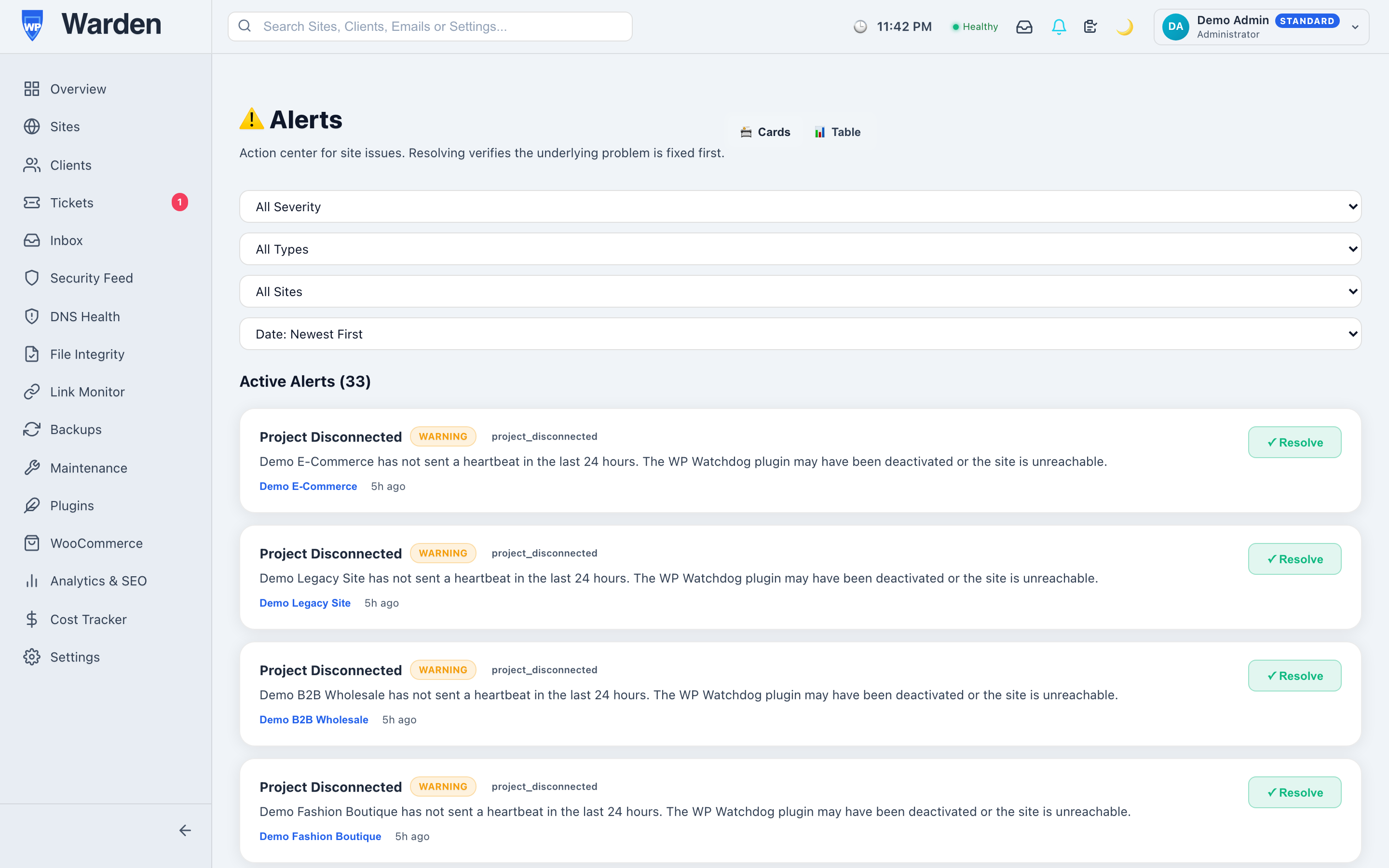
WP Warden’s alert notification intelligence layer groups related events and applies contextual rules before delivery. The same IP address hitting multiple sites in a short window is sent as one correlated alert instead of dozens of separate messages, and repetitive notices like “update available” are batched into a single daily digest window rather than trickling in alert-by-alert throughout the day.
Why correlated doesn’t mean delayed
The obvious worry with batching anything security-related is that it trades speed for clarity. It doesn’t have to — correlated and batched alerts still arrive over the same live WebSocket connection as everything else, the moment they’re generated. What changes is the shape of what arrives, not when it arrives: one clear, connected alert about a fleet-wide pattern, delivered instantly, instead of twenty identical ones delivered at the same instant.
The same incident, with and without correlation
Without correlation, a coordinated scan across fifteen client sites in one afternoon produces fifteen nearly identical emails, each requiring its own click to open and dismiss, with no indication any of them are related to each other. With correlation, the same event produces one alert stating plainly that a single source is probing fifteen sites, with all fifteen listed together. The underlying security event is identical either way — what changes entirely is whether a human reading the alert immediately understands the real scope of what’s happening, or has to reconstruct it manually from fifteen separate messages.
What happens when a real alert gets missed
The real cost of alert fatigue isn’t the annoyance of a full inbox — it’s the one time a genuinely important alert gets skimmed past along with everything else, precisely because the inbox has trained you to skim. That single missed alert can be the difference between catching a real compromise within minutes and discovering it days later from a client. Correlation exists specifically to prevent that inbox from ever reaching the point where skimming feels necessary in the first place.
FAQ
Does batching delay urgent alerts?
No — batching applies only to repetitive, non-urgent notices like update availability. Genuinely time-sensitive alerts still arrive instantly.
How does it decide events are related?
Real contextual rules — like the same source IP within a short time window — not simple keyword matching on the alert text itself.
Start a free 14-day trial — no credit card required.