Auto-Resolving WordPress Alerts: When It’s Safe to Close a Ticket Automatically
A site goes down at 3am and comes back on its own by 3:20. Nobody was awake for either event, and by morning the alert list has one more open item that’s technically already resolved — except the dashboard doesn’t know that yet, and now someone has to manually confirm and close it before the list feels trustworthy again. Multiply this across a real fleet and it’s a genuinely tedious daily chore that adds nothing.
Table of contents
- The daily chore of manually closing stale alerts
- How auto-resolution actually decides
- What it deliberately never touches
- FAQ
- Why it’s safe to actually trust this, not just tolerate it
- What actually gets recorded when this fires
The daily chore of manually closing stale alerts
A fleet with any real number of sites will always have a background rate of brief, self-correcting blips — a momentary network issue, a passing server load spike. None of these need human intervention to actually fix. All of them, without auto-resolution, need human intervention to close, which means real time spent every single day confirming that things which already fixed themselves are, in fact, fixed.
How auto-resolution actually decides
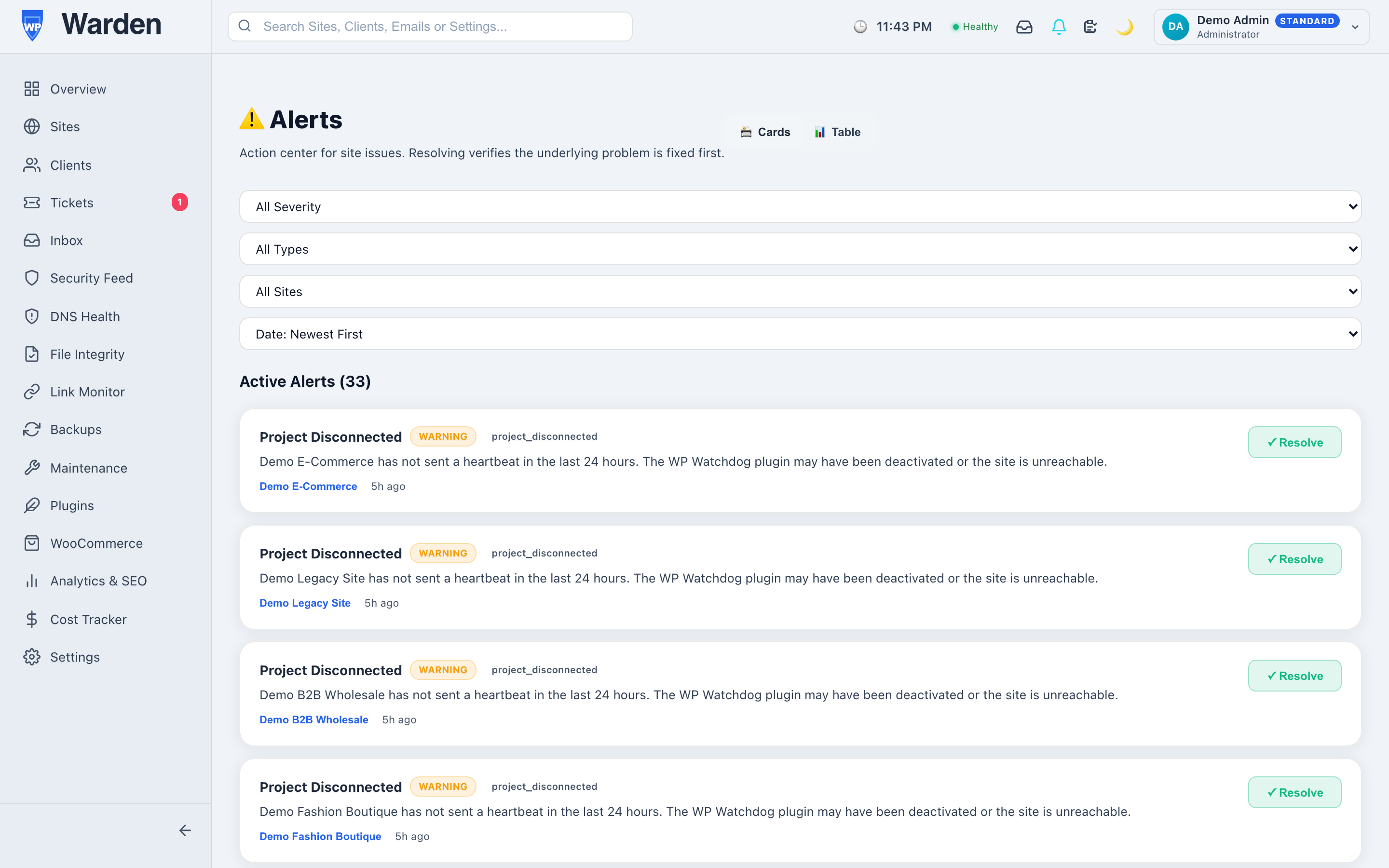
When a later check confirms the condition behind an alert no longer exists — a site that was down is back online, a link that was broken responds again — WP Warden’s auto-resolution engine closes it automatically and logs the resolution with a timestamp. The key word is confirms: this isn’t a timer that assumes things are fine after a while, it’s a real follow-up check that has to actually pass before anything closes.
What it deliberately never touches
Some categories of alert are never candidates for auto-resolution, on purpose — a malware scan finding being the clearest example. “The file looks clean on a second scan” is not the same kind of confirmation as “the site responded to a HEAD request,” and treating it the same way would be a genuine safety regression rather than a convenience. Those alerts always wait for a person to actually look at them, regardless of how much time has passed.
Why it’s safe to actually trust this, not just tolerate it
Automatic anything involving alerts tends to make people nervous, reasonably — the fear is always a real problem getting silently swept under the rug. The design here is deliberately conservative specifically to address that: nothing closes without a genuine follow-up check confirming the original condition, and entire categories of finding are permanently excluded from ever auto-closing at all. The result is a system that saves real time on the genuinely low-stakes cases, while never touching the cases where a false sense of resolution would actually be dangerous.
What actually gets recorded when this fires
Every auto-resolved alert leaves behind a real record — when it was originally raised, when it was confirmed resolved, and how long the underlying condition actually lasted. That means the convenience of not having to manually close it doesn’t come at the cost of losing the history entirely; the full incident is still there to review later if a pattern of repeated brief outages on the same site is ever worth investigating.
FAQ
Can this auto-close a malware finding?
No — anything requiring real human judgment is deliberately excluded and always waits for manual review, regardless of any follow-up check.
Does an alert close just because time passed?
No — only when an actual follow-up check verifies the original condition is genuinely resolved, not on any kind of timer.
Start a free 14-day trial — no credit card required.