WordPress System Logs: Seeing What Your Automation Is Actually Doing
A backup is supposed to run every night at 2am. You believe it’s running because nothing’s ever complained otherwise — right up until the day you actually need that backup and discover it hasn’t succeeded in three weeks. Automation you can’t see into is automation you’re trusting blindly, and blind trust in backups specifically is exactly the kind of thing that turns a bad day into a genuinely terrible one.
Table of contents
- The problem with trusting automation blindly
- How the logs actually work
- How this differs from the activity audit log
- FAQ
- A concrete example of using this to diagnose something
- Who actually ends up reading these day to day
The problem with trusting automation blindly
The whole appeal of automating maintenance work is not having to think about it. The risk is exactly the same thing: if a scheduled task silently starts failing, “not having to think about it” quietly becomes “not knowing it’s broken,” and there’s often no natural moment that forces you to find out until the task’s absence actually matters.
How the logs actually work
Every backend engine in WP Warden — from uptime monitoring to malware scanning to backup scheduling — writes entries to the system log as it runs, recording a severity level, a source, and a clear message describing what happened. It’s genuinely human-readable, written to be understood by someone who isn’t a developer, rather than raw technical output that requires expertise to interpret.
How this differs from the activity audit log
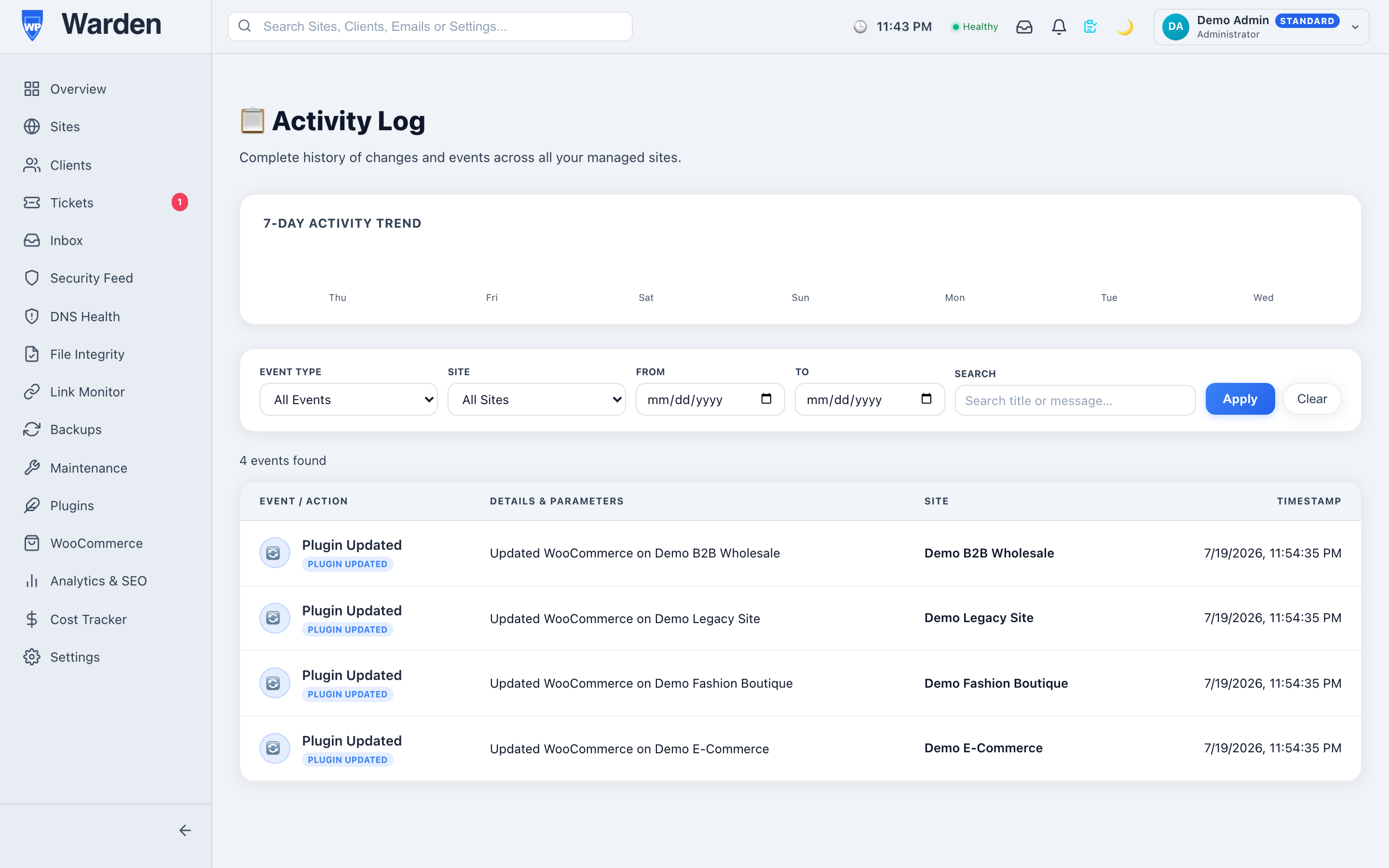
It’s worth being clear about the distinction, because the two logs solve related but genuinely different problems. The activity audit log answers “which person did this” — it covers human actions. System logs answer “what did the automation actually do” — they cover the machine’s own side of the work. Together they cover every category of change that can happen to a site, with neither one able to substitute for the other.
A concrete example of using this to diagnose something
A client asks why their last two backups seem smaller than usual. Instead of guessing, the system log for that site shows exactly what happened during each backup run — which files were included, whether anything was skipped, and why. What might otherwise be an hour of speculative troubleshooting becomes a two-minute lookup, because the answer was already being recorded the whole time, just waiting to be checked.
Who actually ends up reading these day to day
In practice, most people rarely open the system log at all during a normal week — and that’s the point. It exists for the specific moments something seems off and needs a real answer, not as a feed anyone is expected to read constantly. Its value is in being there, complete and readable, exactly when it’s finally needed.
FAQ
Do I need server access to see this?
No — it’s fully visible from the dashboard, in plain readable language rather than raw server output.
Is this the same as the activity audit log?
No — system logs cover automated background engines; the audit log covers actions taken by human users. They’re complementary, not overlapping.
Start a free 14-day trial — no credit card required.