Visual Site Recognition for WordPress Fleets: Screenshots Instead of Domain Names
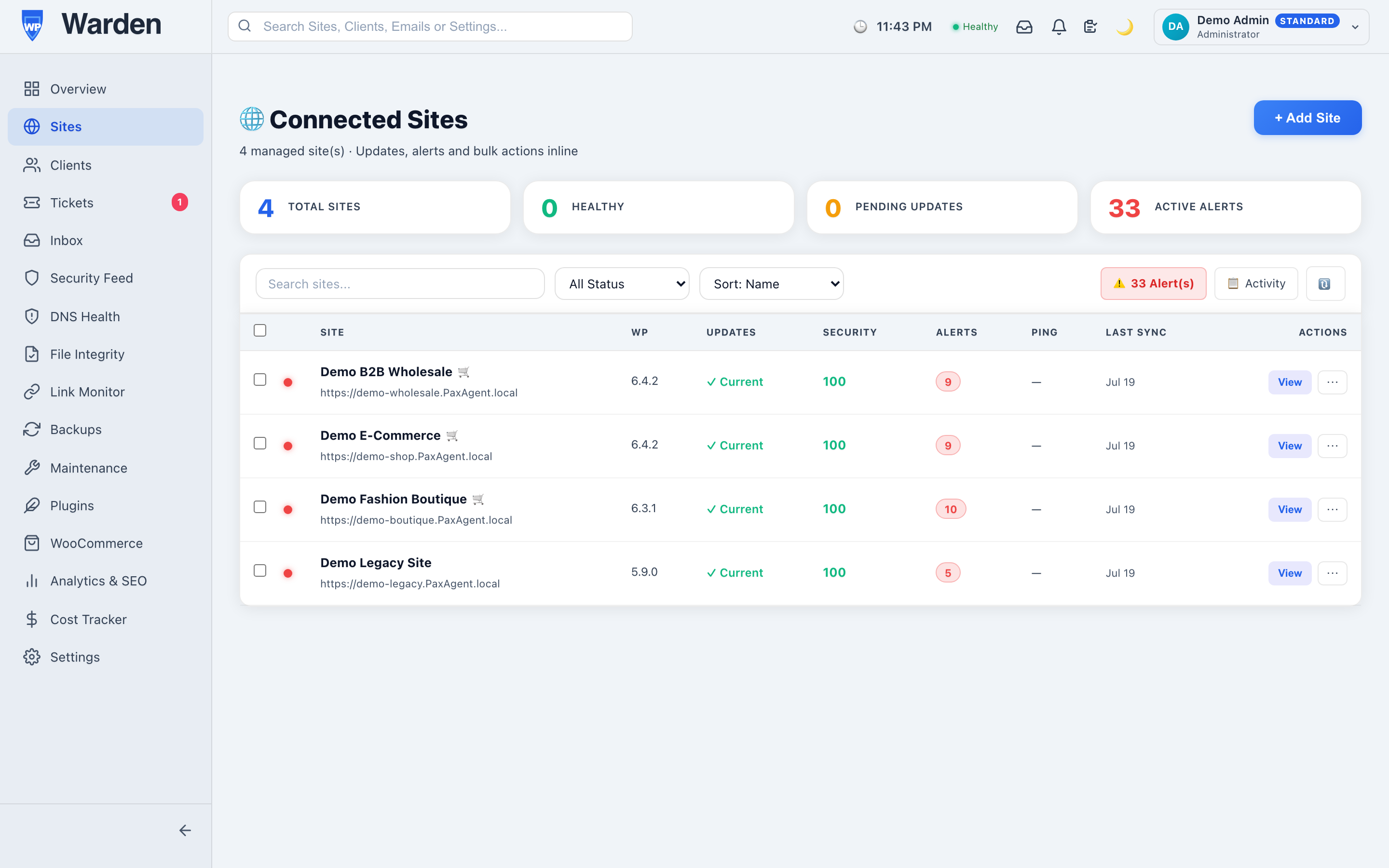
Somewhere around client number thirty, a lot of agencies notice the same thing: half their staging domains follow the same naming convention, and picking the right one out of a plain text list means actually reading each one carefully instead of just recognizing it. At small scale that’s a non-issue. At real scale, it’s a surprisingly consistent source of small, avoidable mistakes.
Table of contents
- Where reading text stops being the fastest option
- How the screenshots actually work
- A side benefit: obvious problems jump out
- FAQ
- How current these screenshots actually stay
- A quick glance, not a replacement for real monitoring
Where reading text stops being the fastest option
Human visual recognition is genuinely faster than reading for this specific task — most people can pick a familiar face or a familiar image out of a grid faster than they can read and compare a list of similar strings. A fleet list of domain names asks you to do the slower thing constantly, dozens of times a day, purely because nobody built the faster option into the tool.
How the screenshots actually work
A real screenshot of each site’s homepage is captured automatically and shown in the fleet list, via site screenshots — the same screenshot engine that powers visual regression testing, reused here as a fast, visual way to recognize sites across a large fleet at a glance rather than parsing text.
A side benefit: obvious problems jump out
There’s a genuine secondary benefit here that wasn’t the original point: a site with a badly broken layout — a missing stylesheet, a completely blank hero section — stands out immediately when you’re scanning real thumbnails, often before any formal monitoring alert has even had a chance to fire. It’s not a substitute for actual monitoring, but as a quick visual gut-check while doing something else entirely, it catches things surprisingly often.
How current these screenshots actually stay
A screenshot is only useful for quick recognition if it’s reasonably current — a homepage image from eight months ago, after a full redesign, defeats the purpose entirely. Since this reuses the same capture engine already running for visual regression testing, the image reflects a genuinely recent state of the site rather than a one-time capture frozen at whatever point it was first added to the fleet.
A quick glance, not a replacement for real monitoring
It’s worth being clear that this is a recognition aid, not a monitoring system in its own right — a site can look perfectly normal in a screenshot while having a real problem a human eye simply can’t see in a static image. The value here is purely in speeding up the everyday task of telling sites apart, freeing up actual monitoring tools to do the deeper, more rigorous work of confirming whether something is actually wrong.
FAQ
Are these real screenshots or generic placeholders?
Real screenshots of each site’s actual homepage, captured automatically rather than any kind of generic stand-in image.
Does this require separate infrastructure from visual regression testing?
No — it reuses the exact same capture engine already running for that feature, with no additional system to maintain.
Start a free 14-day trial — no credit card required.