How the WP Warden Watchdog Plugin Connects Your Site to the Dashboard
Ask why a fleet management platform even needs a plugin installed on every site, and the honest answer is that something has to actually reach the site — securely, reliably, without slowing it down. That one narrow job is the entire reason this plugin exists, and it’s worth understanding exactly how deliberately narrow it stays.
Table of contents
- Why a narrow bridge, not a heavy all-in-one plugin
- How the plugin actually works
- Why authentication happens per site, not once
- FAQ
- What the plugin deliberately doesn’t do
- What installing it actually involves
Why a narrow bridge, not a heavy all-in-one plugin
A lot of WordPress management tools take the opposite approach: one heavy plugin that tries to do everything — scanning, analysis, reporting — locally, on the site itself. That adds real, measurable load to every single site it’s installed on, and that cost multiplies by however many sites are in the fleet. A deliberately thin bridge, with the actual intelligence living centrally in a backend, avoids that entirely: the site does almost nothing extra, and the heavy lifting happens somewhere that doesn’t affect page load for a real visitor.
How the plugin actually works
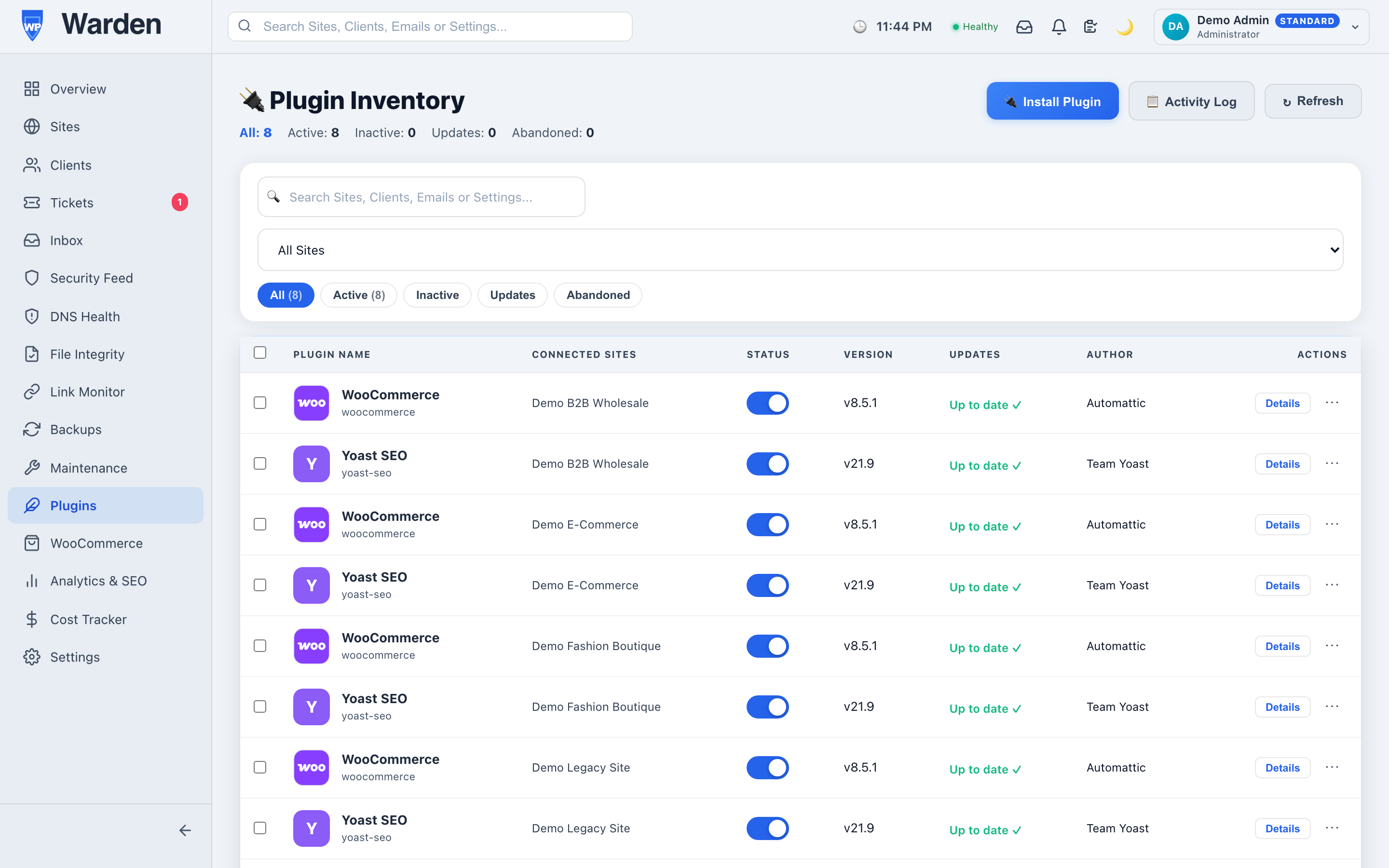
The WP Warden Watchdog plugin, installed once per managed site, sends regular heartbeats, executes commands sent from the dashboard — updates, plugin toggles, quarantining a suspicious file — and reports results back. Every other feature in the platform, from uptime checks to remote plugin installs, ultimately routes through this same narrow channel to actually touch the site.
Why authentication happens per site, not once
Every command is authenticated through a site-specific API key and an optional HMAC signature, rather than a single shared secret covering the whole fleet. That distinction matters more than it might seem: if a single site’s key were ever somehow exposed, the damage is contained to that one site. A shared credential across every site in the fleet would turn a single leak into a fleet-wide problem, which is exactly the failure mode this design is built to avoid from the start.
What the plugin deliberately doesn’t do
It’s worth being clear about the plugin’s boundaries, because they’re intentional rather than a limitation. It doesn’t run malware scans locally, doesn’t generate reports, doesn’t make its own decisions about what to fix — all of that intelligence lives centrally in the WP Warden backend. The plugin’s entire job is faithfully executing commands it’s given and faithfully reporting what happened, nothing more. That narrowness is exactly what keeps it lightweight enough to run on every site in a fleet without anyone noticing it’s there.
What installing it actually involves
Installation is the same as any standard WordPress plugin — upload it, activate it, and paste in the site-specific key generated when the site was added to WP Warden. There’s no server-level configuration and nothing beyond what a normal WordPress admin already knows how to do, which is deliberate: the barrier to connecting a new site should be minutes, not a technical project of its own.
FAQ
Does one compromised site put others at risk?
No — each site has its own separate API key, so a single compromised site never exposes any other site in the fleet.
Does this plugin do heavy processing on the site itself?
No — it stays deliberately lightweight, with the heavy work handled by the WP Warden backend instead of the site itself.
Start a free 14-day trial — no credit card required.