What Is WP Warden? A WordPress Agency Management Platform Explained
Search for “WordPress agency management platform” and you’ll find a dozen tools that each claim to solve one piece of the puzzle — one for uptime, another for backups, a third for security scanning, a spreadsheet you built yourself for client billing. If you’ve ever tried to stitch those together into something that actually feels like a system rather than a pile of subscriptions, you already understand the problem WP Warden exists to solve.
Table of contents
- It’s a dashboard, not another plugin
- Who actually needs this
- The four pillars everything sits under
- What a Monday morning actually looks like
- How this changes as the fleet grows
- Getting started
- FAQ
It’s a dashboard, not another plugin
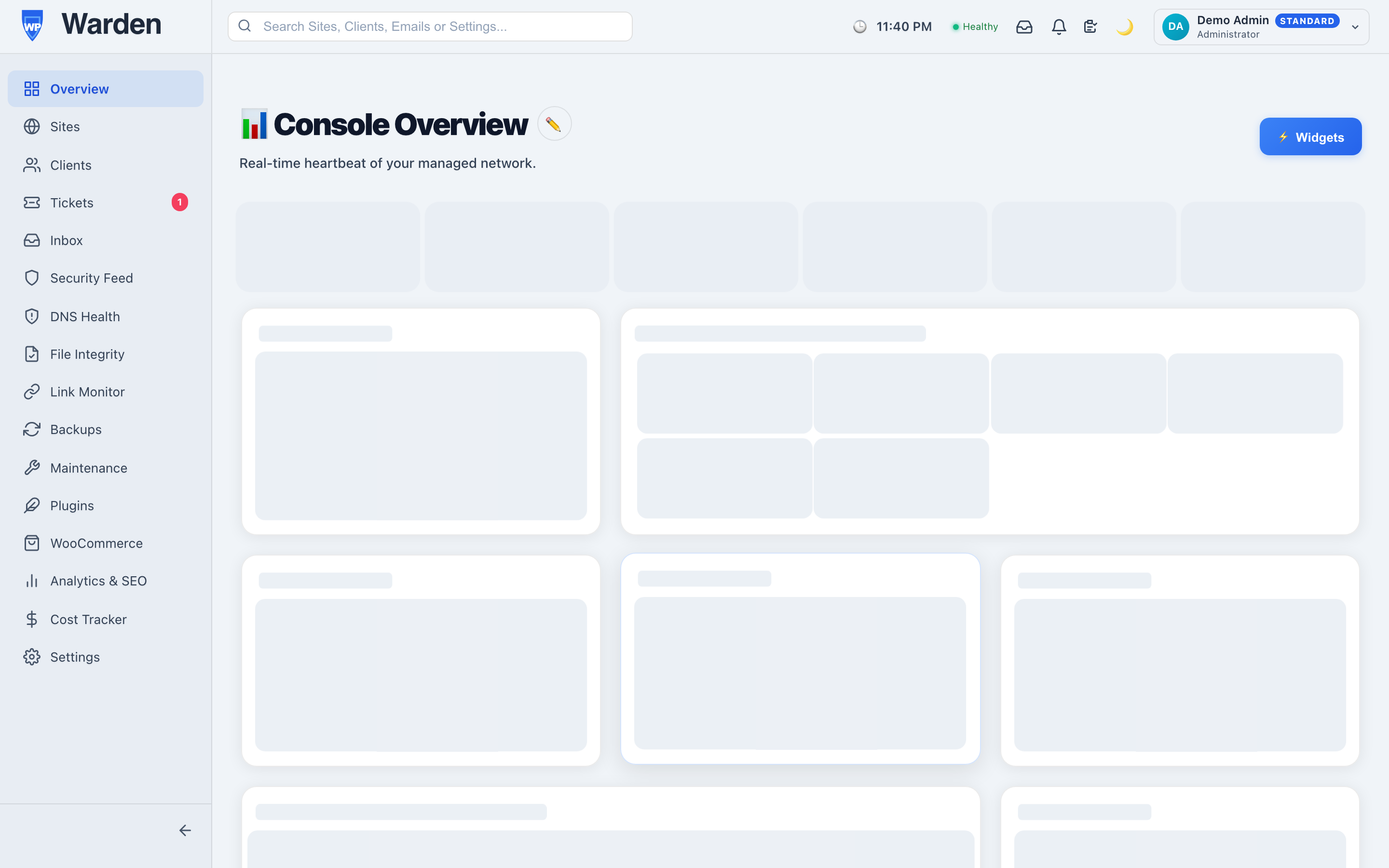
The distinction matters more than it sounds. Most WordPress tools are plugins you install and then manage individually, per site, inside wp-admin. WP Warden flips that: a single lightweight companion plugin — the WP Warden Watchdog — gets installed once on each site you want to manage, and from that point on, everything else happens from WP Warden’s own external dashboard. Monitoring, backups, security scanning, updates, client reporting, support tickets — all of it reads from and writes to one unified system, instead of twenty separate wp-admin logins each with their own idea of what “healthy” means.
That plugin stays deliberately thin. It sends heartbeats, executes commands, and reports results — the actual processing, the actual intelligence, lives in WP Warden’s backend, not bolted onto every site it touches. That’s a meaningful design choice: a heavy all-in-one plugin adds real load to every single site it’s installed on, multiplied by however many sites you manage. A thin bridge plus a centralized brain doesn’t.
Who actually needs this
Three groups tend to get the most out of a platform shaped like this, and it’s worth being honest about which one you actually are before signing up for anything:
- Agencies running maintenance retainers across a real client base, where the same work has to happen reliably on every account without headcount growing in lockstep with the client list.
- Freelancers managing a handful to a few dozen sites solo, who want agency-grade tooling without an agency-sized team to run it.
- Hosting resellers looking to layer real managed-WordPress value — monitoring, security, reporting — on top of hosting they already sell, rather than reselling bare server space.
If you’re managing one personal site, most of this is overkill — you probably don’t need fleet-wide alerting or a white-label client portal for a blog only you read. The value shows up specifically at the point where “remembering everything by hand” stops being realistic.
The four pillars everything sits under
Rather than a scattered feature list, everything in WP Warden groups under four real pillars:
- Monitoring — uptime, broken links, DNS and email deliverability, and whether a site’s own wp-cron is still alive, checked continuously rather than glanced at occasionally.
- Security — file integrity and malware detection, CVE-based vulnerability scanning, and an optional AI second opinion on anything ambiguous, using your own API key rather than a shared model you have no control over.
- Operations — scheduled backups, bulk plugin and theme updates paired with automatic before/after screenshot comparison, and maintenance windows you configure once and never think about again.
- Client-facing work — a white-label client portal, automated PDF reports, and a built-in support ticket system, all under your own brand rather than WP Warden’s.
What a Monday morning actually looks like
It helps to make this concrete. An agency running twenty-two client sites the old way starts Monday with a mental checklist: which sites need updates, which had a weekend hiccup, which client emailed over the weekend about something being “off.” Answering any of that means opening several tools and cross-referencing them by hand, and by the time you’ve done that for twenty-two sites, half the morning is gone before any actual work has started.
The same Monday, from one dashboard: a single alert list already shows the two sites that had a brief outage overnight (both auto-resolved once they came back), the one plugin update pending across four sites, and a client’s support ticket submitted Sunday evening. Nothing about the underlying work changed — updates still need running, that ticket still needs a reply — but the ten minutes it now takes to know exactly what needs attention used to take closer to an hour of manual checking.
How this changes as the fleet grows
Site management gives you one fleet-wide list instead of a login per site, and multi-tenancy keeps every client’s data strictly isolated at the database level — not just hidden by the interface — regardless of how many other agencies happen to share the same underlying platform. What’s worth noticing is that the tools themselves don’t really change between five sites and five hundred. What changes is which problems become invisible without them: at five sites, a missed alert is recoverable because you’ll probably notice anyway. At five hundred, the same miss rate means something is quietly broken somewhere at any given moment, and the fleet-wide view is the only thing standing between that and a client finding out before you do.
Getting started
The actual onboarding is short by design:
- Create an account.
- Add your first site.
- Install the lightweight Watchdog plugin on that site — the only thing that ever runs on the site itself.
- Repeat for the rest of your fleet, at whatever pace makes sense — there’s no need to migrate everything on day one.
If you’re new to WordPress plugin management generally, the official WordPress.org plugin management documentation is a good baseline reference before adding your first site.
FAQ
Do I need to install anything on every site?
Yes, one lightweight plugin per site — that’s the only thing that ever touches the site directly. Everything else runs from the WP Warden dashboard itself.
Can clients see any of this directly?
Only what you choose to show them, through their own white-label portal — never your internal dashboard, and never another client’s data.
Is this only worth it for large agencies?
No — a solo freelancer managing five sites gets the exact same tools as a twenty-person agency managing five hundred. The platform scales; the workflow itself doesn’t change.
Start a free 14-day trial — no credit card required.