Backups run automatically and a restore point is taken before updates, so there is something to go back to.
Automated backups with restore points
On every plan.
Time Machine restore
Plus and Pro can restore individual files, posts and pages from recent backups. Each restore is listed in the report.
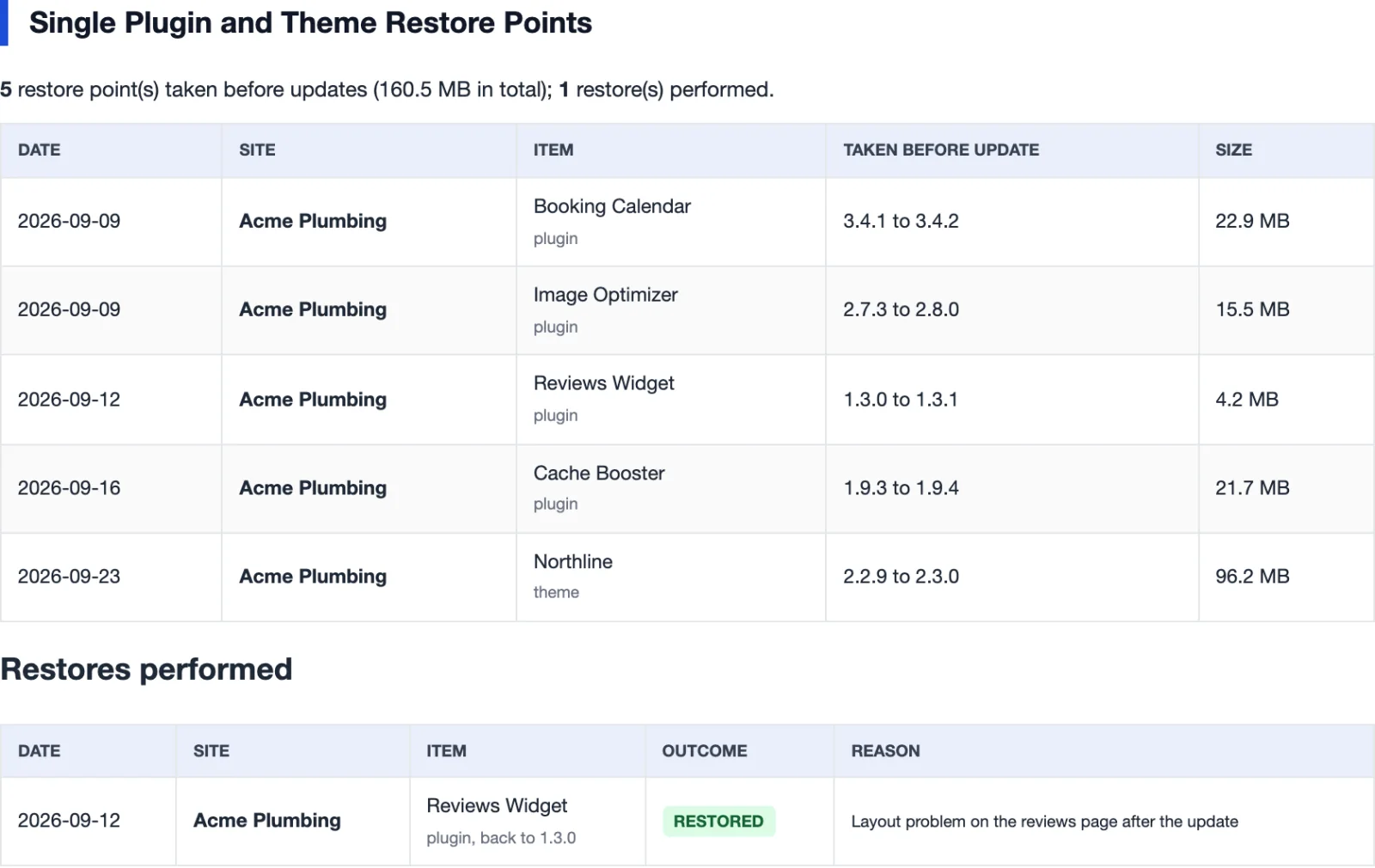
Scoped-snapshot restore
Pro can restore a single plugin or theme. The restore points taken before updates are listed in the report.
Restore point from 3 days ago
Homestays as today
Pricing pagerestored from the restore point
Blog postsstays as today
New comments and ordersstay as today
One item goes back. The rest of the site is not rolled back.
02 / Updates
MANAGED UPDATES
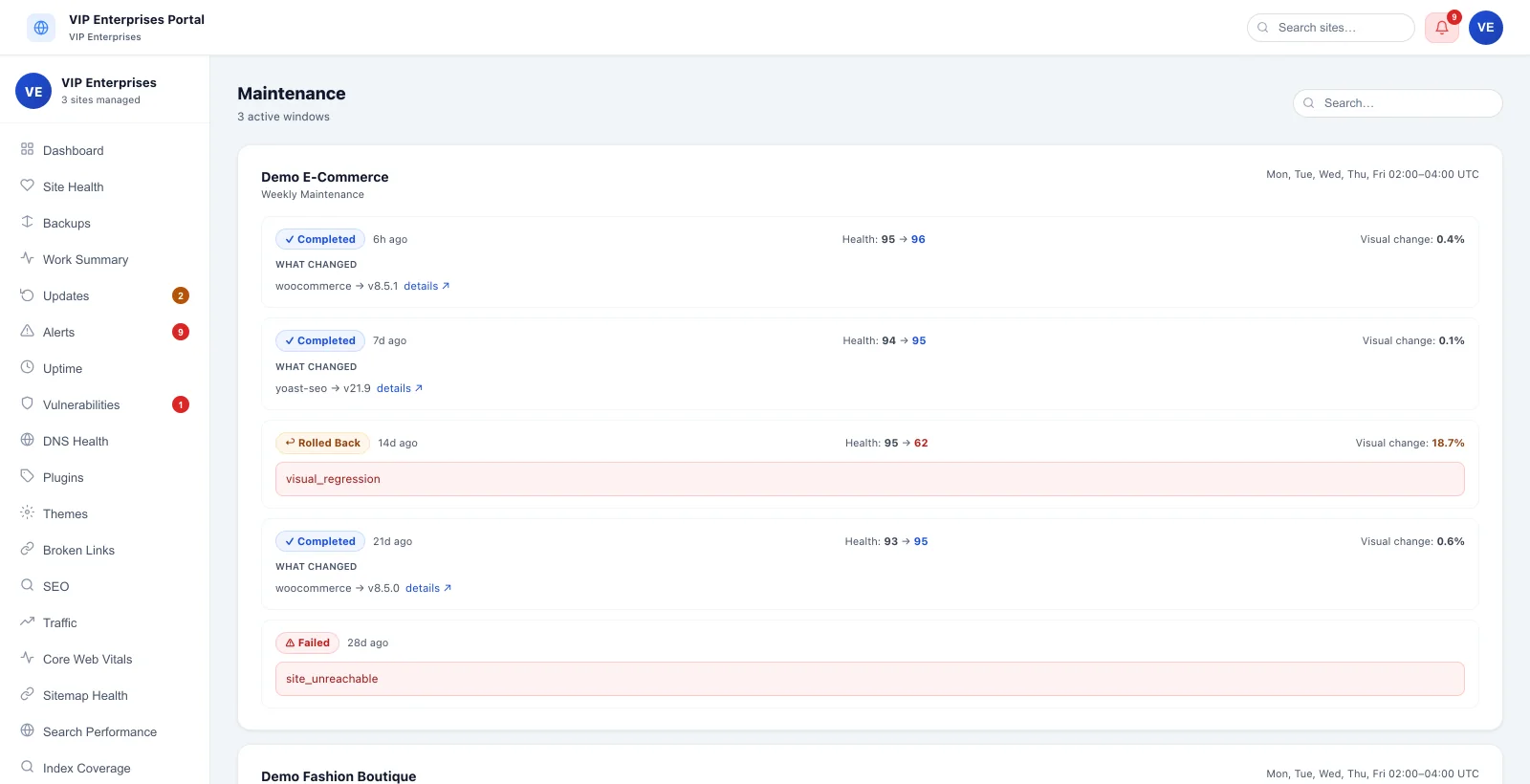
WordPress core, plugins and themes are updated by the platform, with a restore point taken first.
Restore point first
A restore point is taken before updates.
Visual checks after updates
Plus and Pro compare how pages look before and after the update, and the report lists each check.
AI-assisted risk check
Pro rates each scheduled plugin or theme update low, medium or high, and high-risk updates wait for approval. It does not cover core or updates started by hand, and it is advice. Listed in your report where that report section is on.
03 / Security
SECURITY
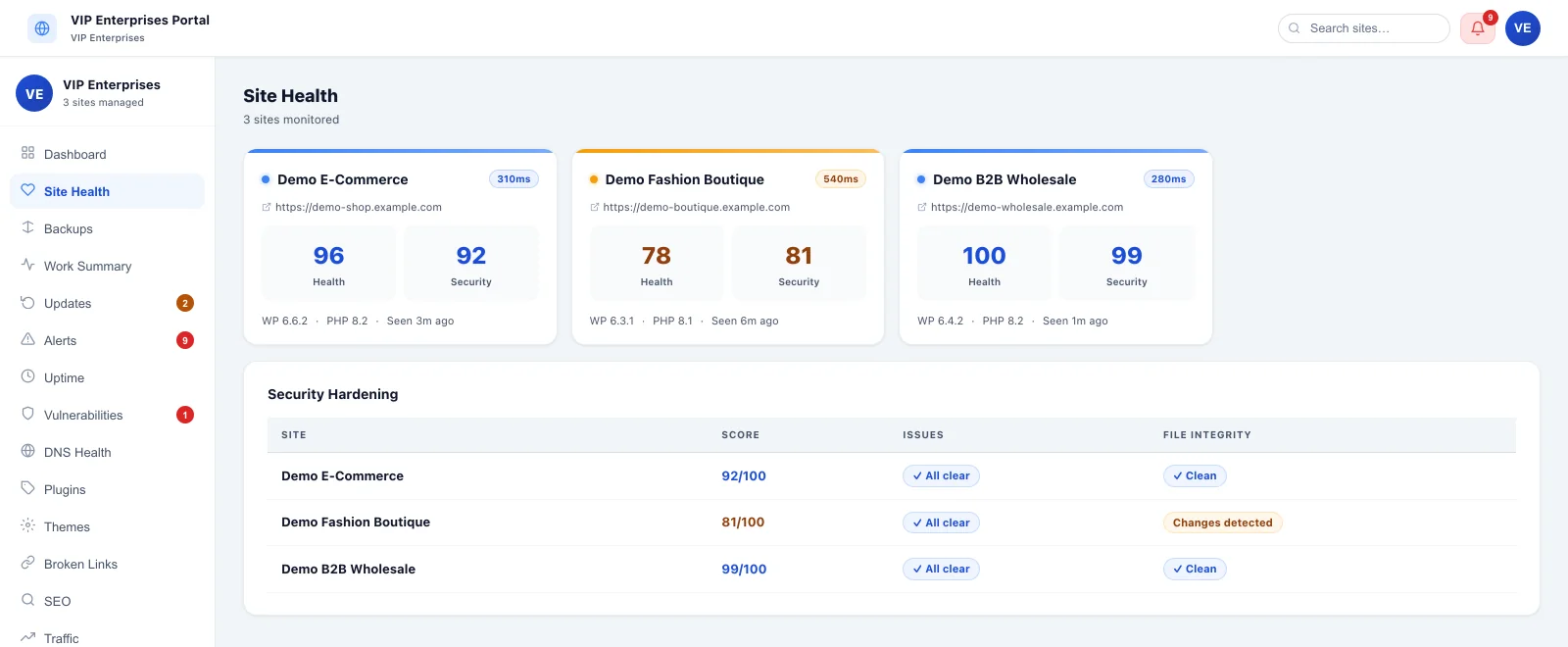
Plus and Pro add layers that watch for known weaknesses and unexpected changes.
Vulnerability monitoring
Flags installed plugins and themes with known vulnerabilities.
File-integrity and malware scanning
Detects changed or suspicious files and can quarantine them.
Login protection and hardening
Limits repeated login attempts and tightens common weak spots.
Security layers (Plus and Pro)
Vulnerability monitoring
File-integrity and malware scanningWith quarantine
Login protection
Hardening
Security scanning reduces risk. It cannot promise a site will never be affected.
04 / Monitoring
MONITORING
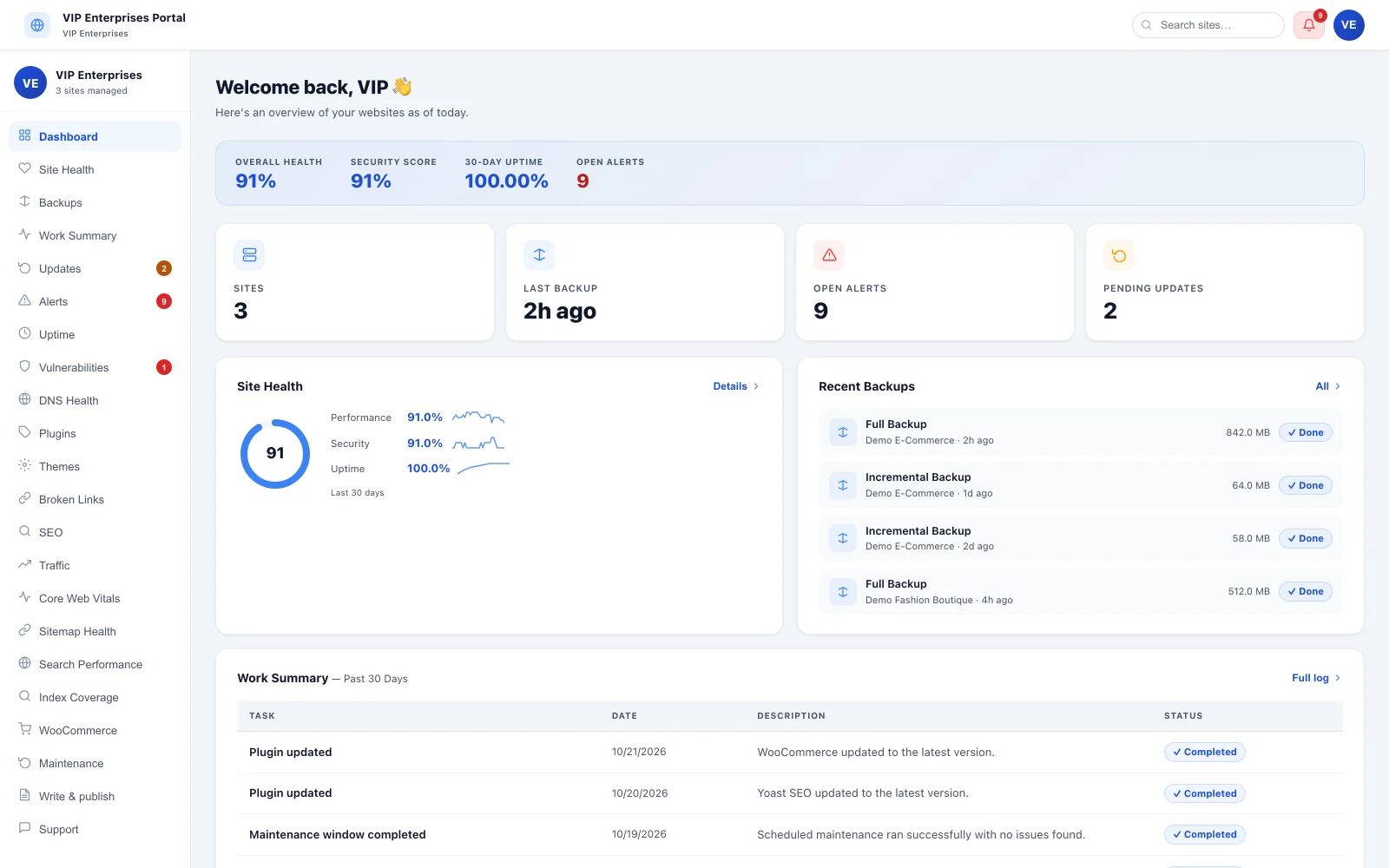
The platform keeps watching between reports, and alerts when something needs attention.
Uptime monitoring with alerts
On every plan.
PHP error monitoring
Plus and Pro.
DNS and email health checks
Plus and Pro.
What is watched
Is the site reachableAll plans
PHP errors on the sitePlus and Pro
DNS and email recordsPlus and Pro
05 / Reports
REPORTS
A monthly health report, the branded WP Warden client report, with the work that was done and the checks that ran.
Clear and easy to read
What was updated, backed up and checked, in tables you can scan.
Monthly on every plan
Delivered by email as a PDF.
Optional written summary
Added on Pro: an AI-assisted summary with highlights and next steps, approved before it is sent.
Update and restore sections
Plus lists visual checks, Time Machine restores and content editor activity. Pro adds update risk reviews and single plugin and theme restore points.